Welcome to the IDSWord, IDSExcel / IDSBatch, and IDS-NG Training
This session introduces you to the primary input creation tools within the Agnisys ecosystem — IDSWord, IDSExcel / IDSBatch, and IDS-NG. You will learn how each tool is used to capture register specifications, how they integrate into the IDS flow, and when to choose one over the other for your projects.
We will cover:
-
IDSWord – capturing register specifications directly within Microsoft Word using our embedded templates and macros.
-
IDSExcel / IDSBatch – entering register definitions in Excel or batch mode for quick, large-scale specification handling.
-
IDS-NG – using the graphical user interface to create and edit register specifications interactively.
Practical Demonstration:
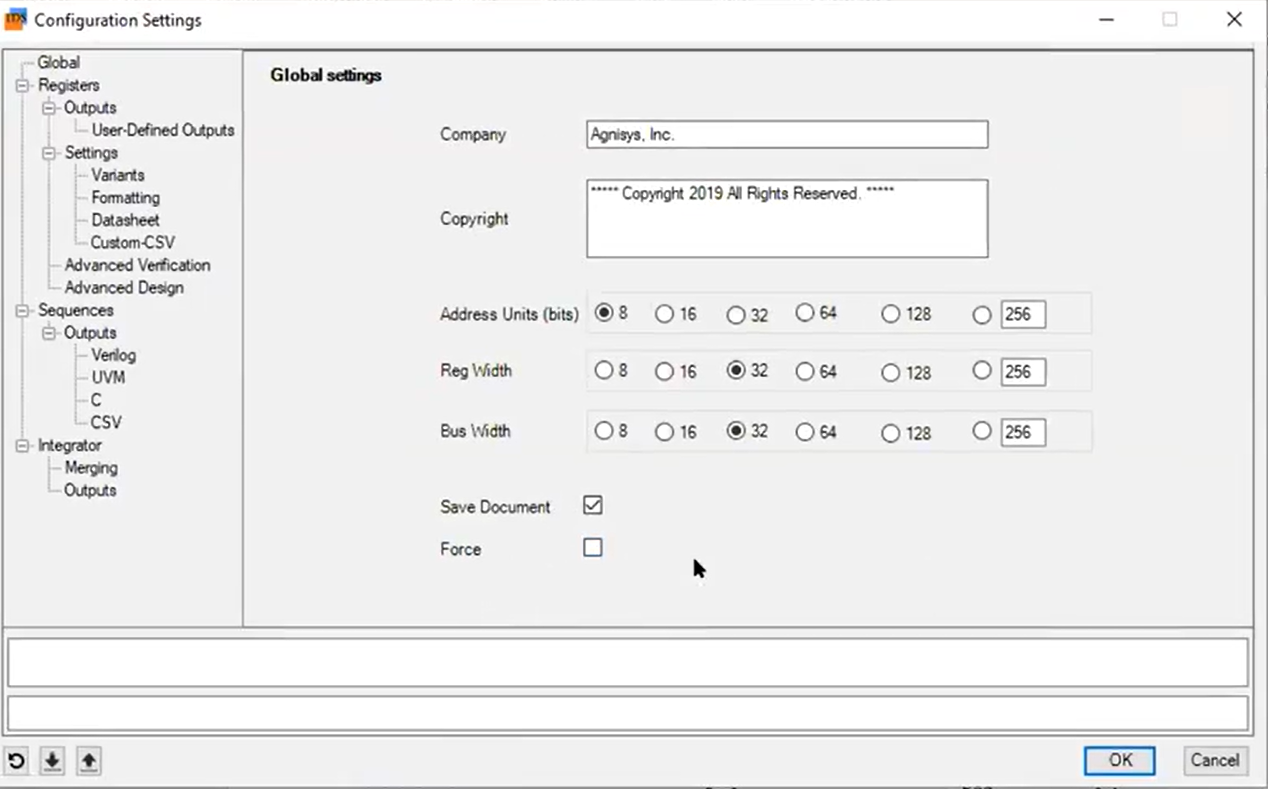
A small example will show how to capture a register specification in the IDS-NG GUI — from adding fields, setting attributes, and defining bit positions to saving and generating the corresponding IDS input files.
By the end of this session, you will understand the strengths of each tool, be able to select the most efficient input method for your needs, and confidently capture accurate register specifications for IDS processing.