Available courses

Effective English communication skills are essential for professionals in a corporate environment. The primary focus of the course is to address communication within the business context. Its objective is to improve participants' proficiency in English, enabling them to communicate effectively in a range of professional scenarios, including meetings, presentations, negotiations, and written communication.

English proficiency holds significant value in corporate communication as it empowers professionals to engage in global business interactions. It facilitates efficient collaboration with international teams, ensuring clear and professional communication. Moreover, it grants access to a wealth of knowledge and resources, enabling professionals to stay updated and enhance their career prospects within the corporate world.
This training provides a practical understanding of the IP-XACT (IEEE 1685) standard used for IP and SoC integration. It covers key constructs, design environment setup, and tool-based implementation. Participants will learn how to describe, configure, and integrate IPs efficiently using IP-XACT, along with advanced concepts like memory maps, bus interfaces, TGI APIs, and vendor extensions.
Through interactive sessions and lab exercises, attendees will gain hands-on experience in using IP-XACT as both input and output in design and verification flows, understand its interoperability with SystemRDL, and explore its support within IDS tools.

Outcome:
By the end of the training, participants will be able to effectively apply IP-XACT to standardize IP data, automate integration, and streamline SoC design and verification.


This training introduces IDS-Integrate, comprehensive solution for IP integration and SoC assembly. Designed to handle large-scale SoC designs, IDS-Integrate helps users assemble and package thousands of IP blocks (RTL, IP-XACT, SystemRDL, etc.) into a cohesive top-level design.

Participants will learn how to:

  • Stitch IPs using interfaces, buses, or wires — manually or using intelligent automation

  • Restructure, partition, or flatten SoC hierarchy

  • Automate interconnect logic generation (e.g., muxes, bridges, aggregators)

  • Work with SoC collateral like UPF, SDC, SV, CDC, and registers in a unified flow

  • Use APIs (Python, Tcl, Java, C++) for advanced automation

  • Generate custom documentation, testbenches, assertions, and models

IDS-Integrate supports both Agnisys-generated and third-party IPs, offering full flexibility through scripting and intelligent name-matching. By the end of the course, users will be able to confidently assemble complex SoCs with high accuracy, automation, and reusability.


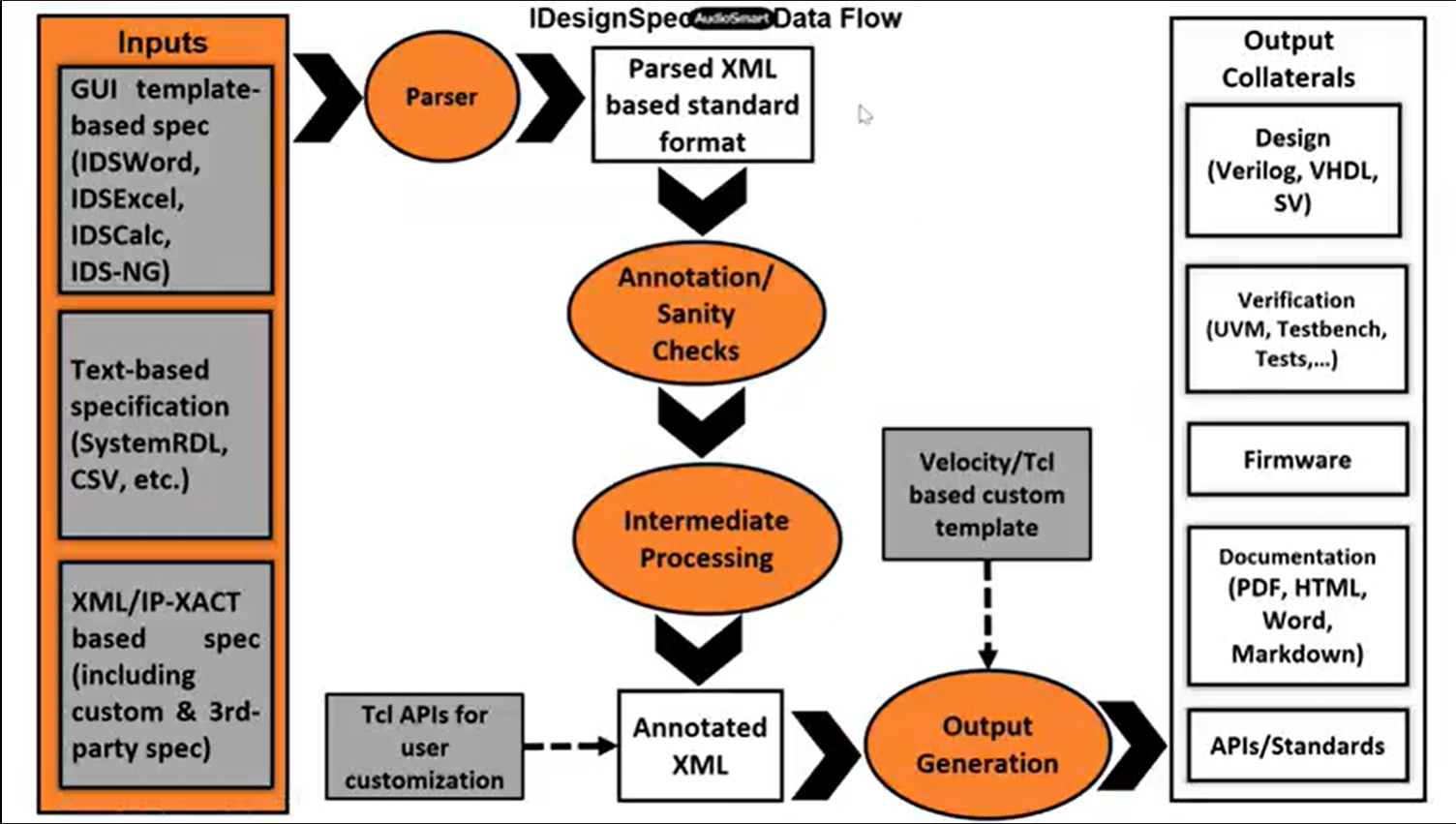
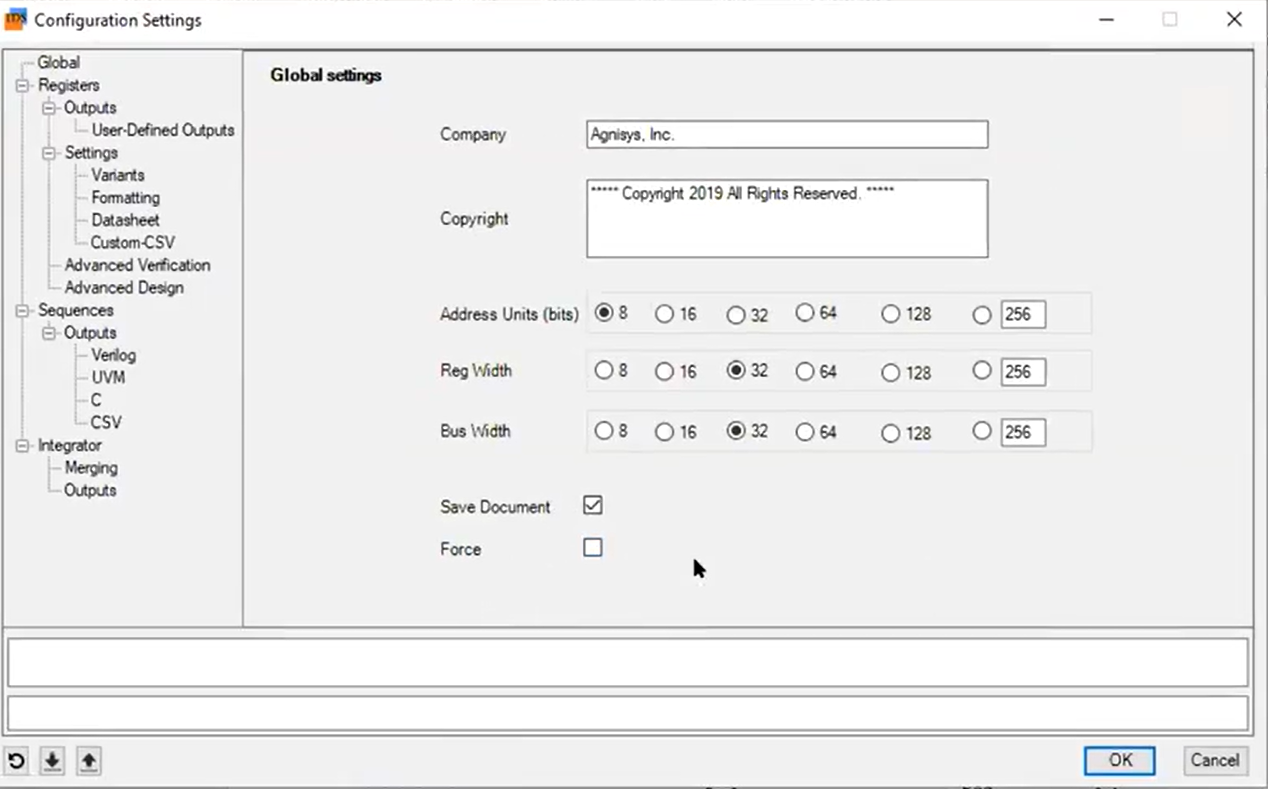
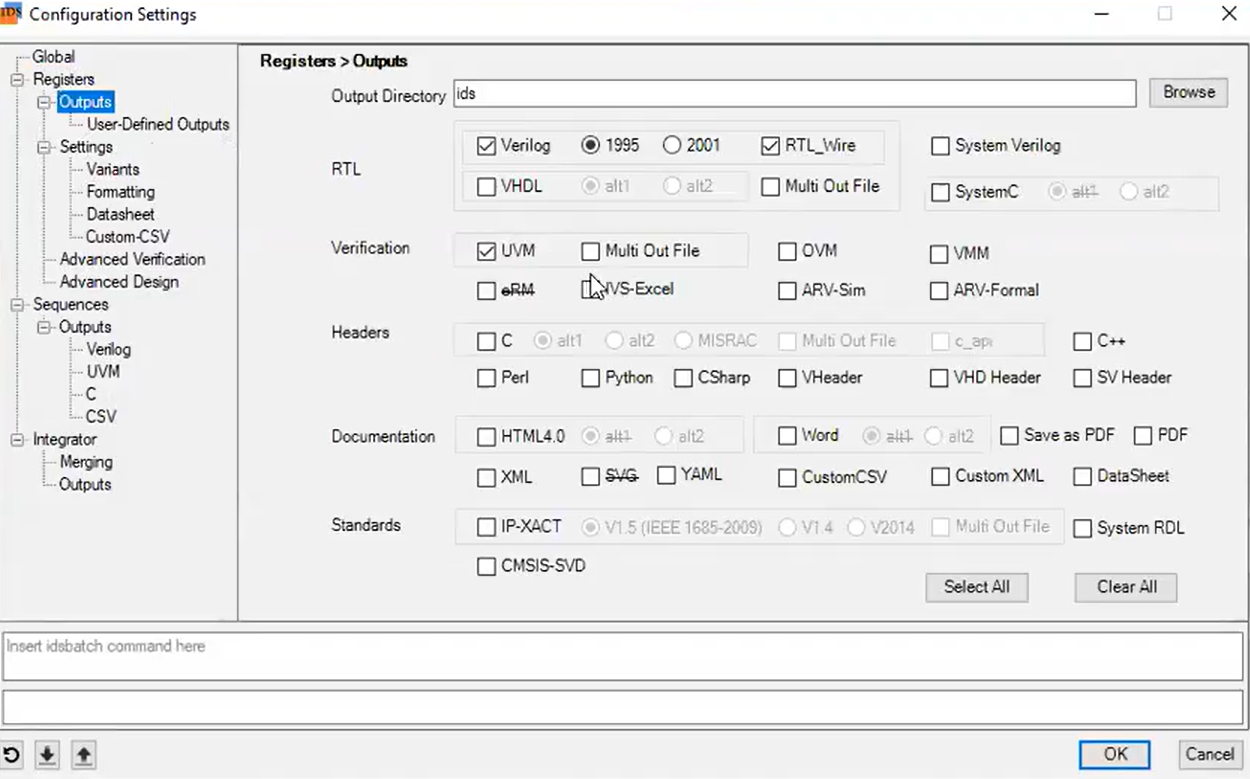
This training introduces IDesignSpec (IDS), a powerful and flexible solution for creating, managing, and generating register specifications across multiple input formats like Excel, Word, and SystemRDL. IDS enables seamless generation of RTL, UVM, IP-XACT, documentation, and more—suitable for IP and SoC-level design flows.

Participants will learn how to:

  • Use IDS-NG, Excel/Word Add-ins, and IDS-Batch in both GUI and CLI modes

  • Create register specifications using Excel, Word, or SystemRDL

  • Define register access policies, fields, and special attributes like shadow, alias, lock, counters, and interrupts

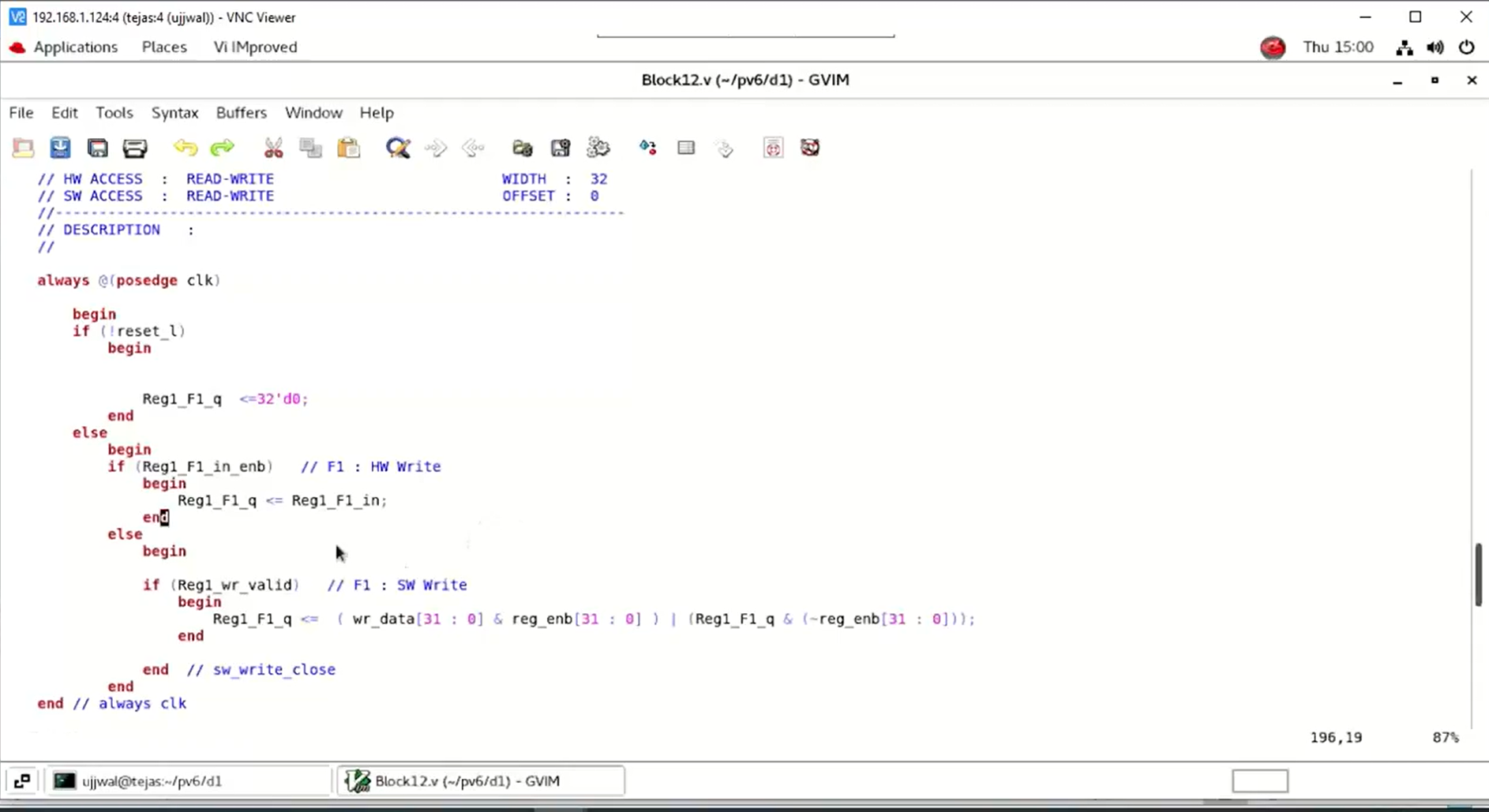
  • Automatically generate synthesizable RTL for various bus protocols

  • Integrate 3rd-party IPs using references and variants

  • Parameterize register and field definitions for reuse and scalability

  • Incorporate low-power design elements

  • Handle complex designs involving clock domain crossing (CDC) and multiple bus domains

  • Generate UVM models, IP-XACT views, and documentation from a single source

  • Ensure traceability and support functional safety requirements

  • Automate the design flow using Tcl, or Velocity template

The training includes hands-on demos for RTL, UVM, IP-XACT, and documentation generation. By the end of the course, users will be able to build consistent, scalable, and traceable register designs with a high degree of automation and flexibility.


The SystemRDL course plays a vital role in enhancing the efficiency, productivity, and reliability of digital system design. By equipping individuals with the knowledge and skills to effectively use SystemRDL, the course enables clear register specification, reusability, interoperability, verification, and documentation. It empowers designers to create robust and well-documented digital systems, ensuring successful integration and maintenance in EDA industries

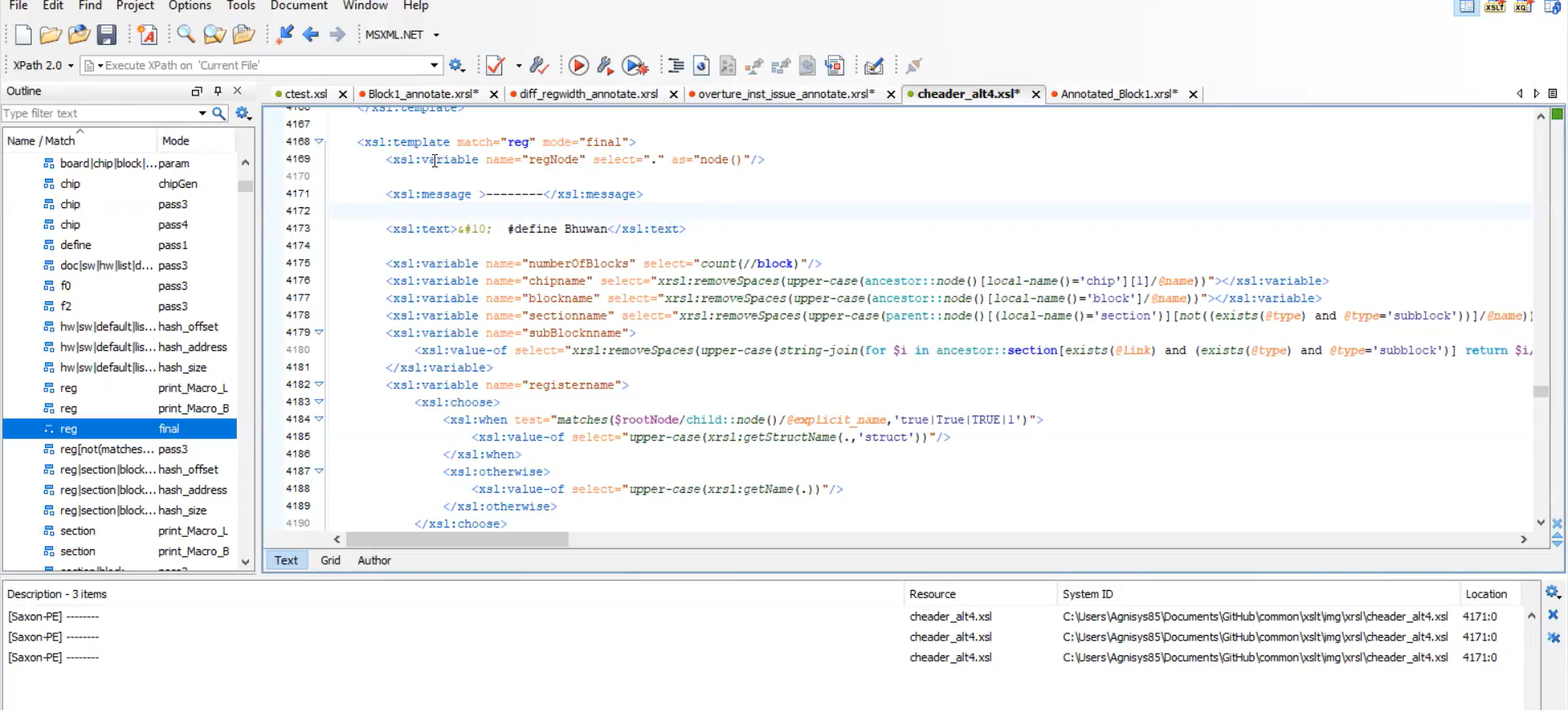
XSLT Training – XRSL Transformations

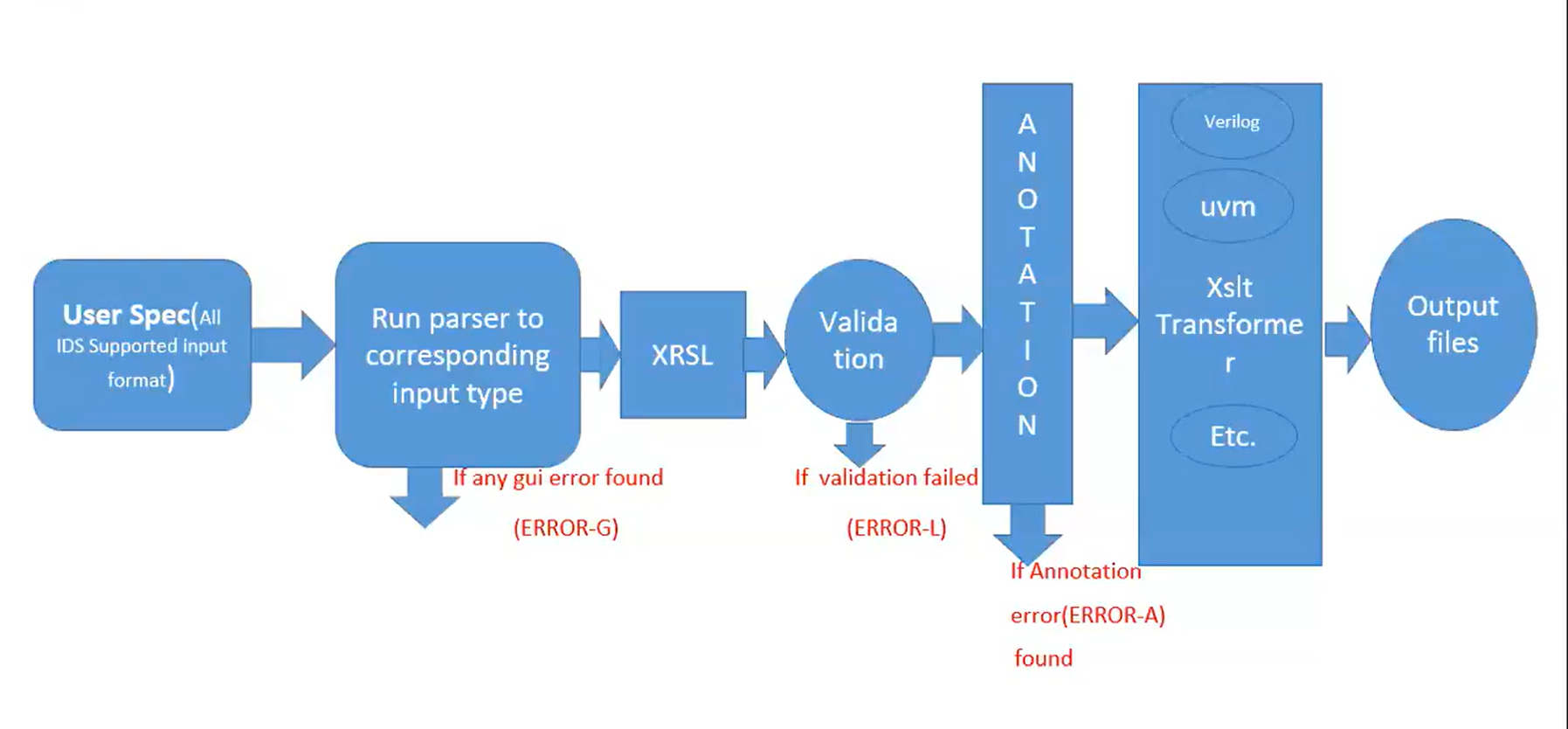
This session covers the basics of the XSLT language and its role in Agnisys workflows, focusing on how XRSL specifications are transformed into various output formats (register maps, documentation, code) using XSLT templates. Includes simple examples of transformations to illustrate the process.


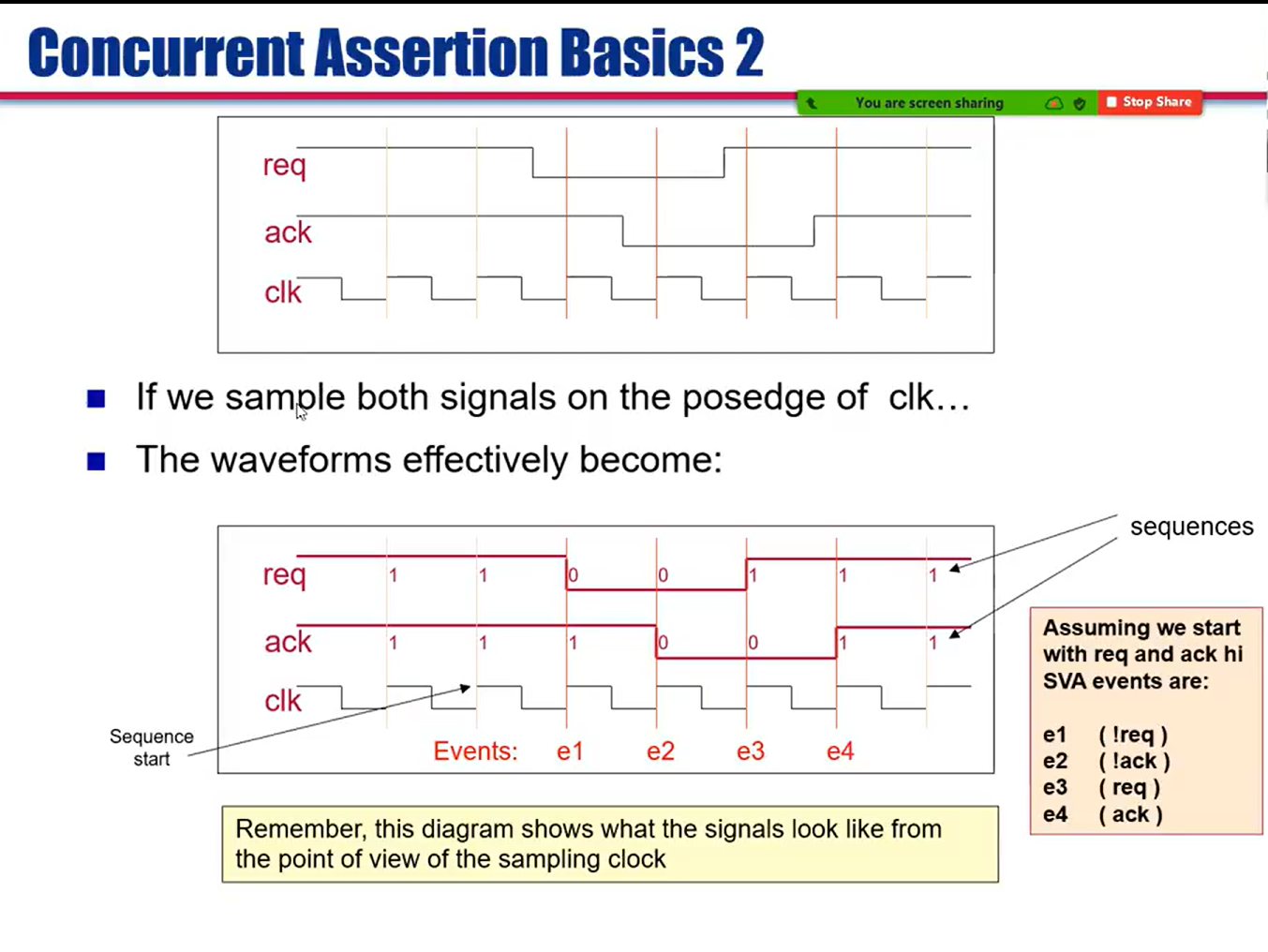
SystemVerilog Assertions (SVA) – Training Overview

This session introduces the fundamentals of SystemVerilog Assertions, focusing on:

  • Concurrent Assertions for temporal checks over time

  • Sequential Expressions to describe ordered events

  • Common SVA Operators (##, [*], |->, |=>, etc.) and their usage

The training includes examples within a verification environment to validate protocol compliance, timing checks, and functional requirements.


Directory Structure Setup (as part of Verification Environment Training)

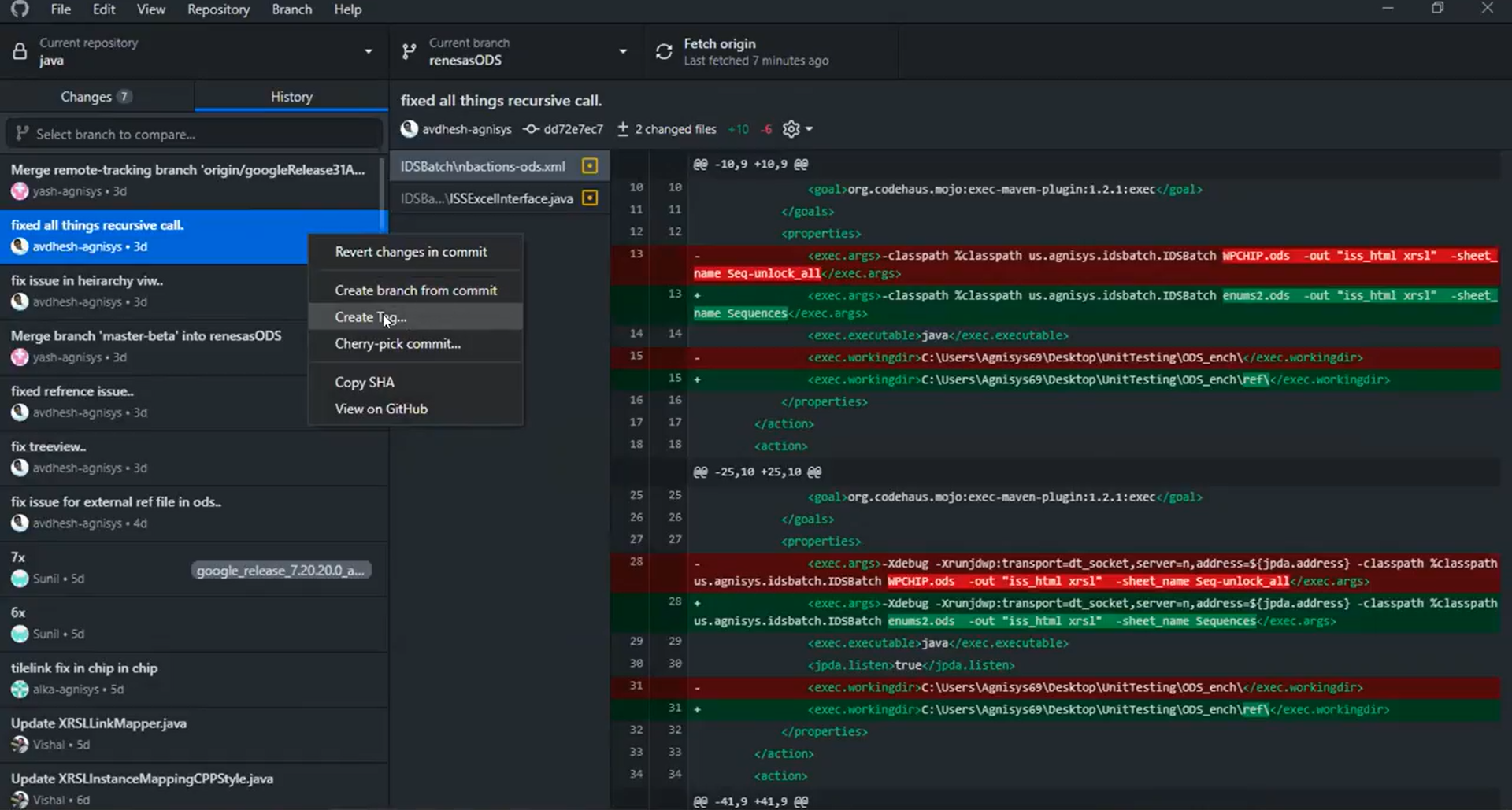
This section covers how to set up and maintain the verification environment’s directory structure using Git. It explains:

  • Cloning the verification repository

  • Organizing files for AMBA-based Mentor VIP testbenches

  • Ensuring consistent structure for sequences, makefiles, and waveform outputs

Proper setup ensures smooth integration, compilation, and debugging in the verification flow.